Need help placing an order? You can contact us directly on WhatsApp via! +254 759 857 032
How to Apply for HELB Loan in Kenya (2026 Guide)
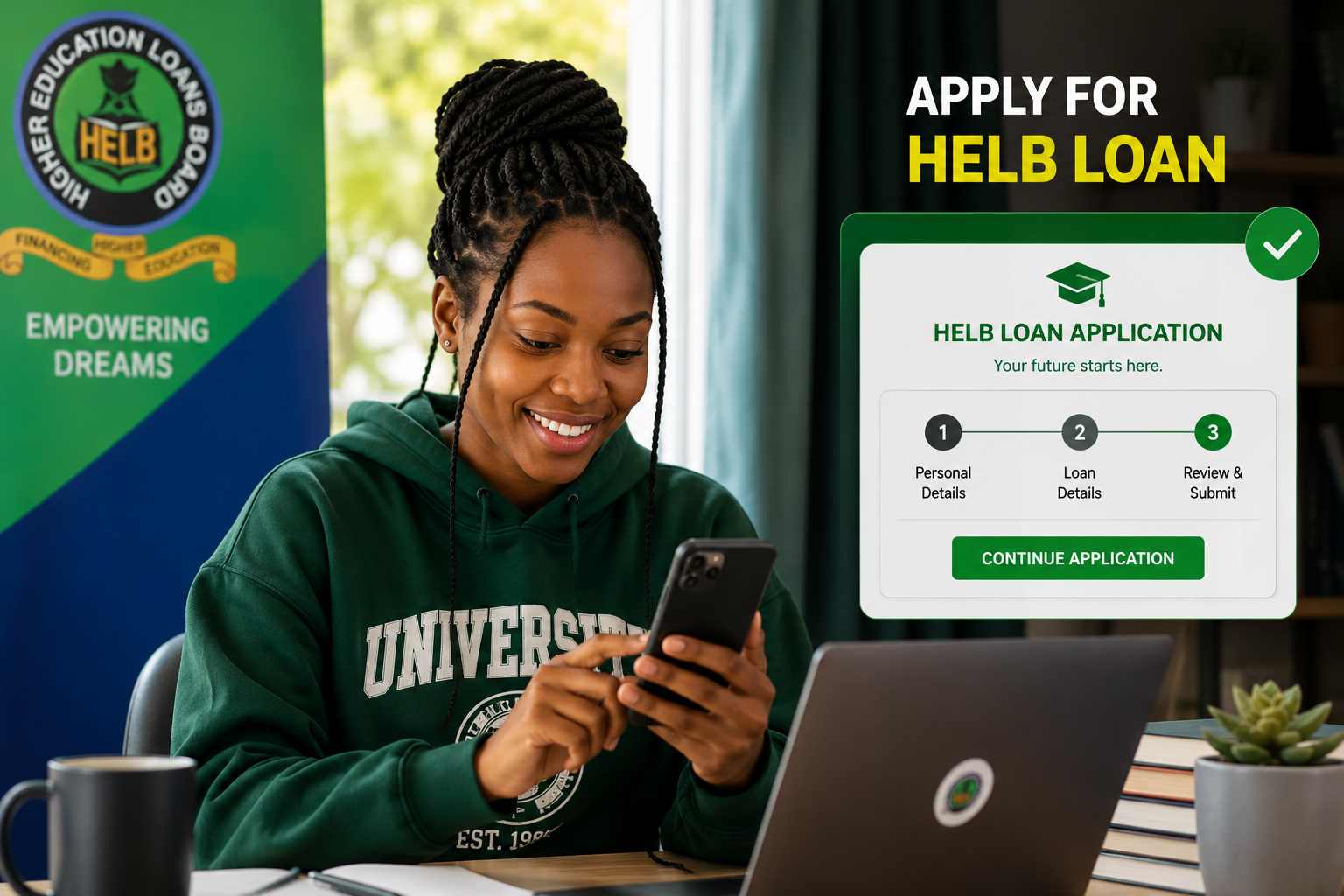
If you've just joined university or a TVET college, or you're a continuing student who needs funding for the next academic year, applying for a HELB loan is one of the first things you'll need to sort out. The good news is that the whole process is online, and you don't need to print anything.
This guide breaks down exactly how to apply for a HELB loan in Kenya, whether it's your first time or you've borrowed before.
First-Time Applicants vs Subsequent Applicants
Before you start, it helps to know which category you fall under, because the process is different for each one.
- First-time applicants are students who have just been placed in a university or TVET institution, usually through KUCCPS, and have never applied for a HELB loan or scholarship before.
- Subsequent (continuing) applicants are students who received a loan or scholarship in a previous academic year and are applying again to continue their studies.
First-time applicants apply through the Higher Education Financing (HEF) portal at hef.co.ke. Continuing students, on the other hand, can apply using USSD, the HELB mobile app, or the M-PESA Mini App, since their details are already in the system.
How to Apply for HELB Loan as a First-Time Applicant
If this is your first HELB application, you'll need an admission letter from your university or TVET institution before you begin.
Go to hef.co.ke (you can also access it through helb.co.ke).
Click on "Register" to create a new account.
Enter your National ID number. If you don't have one yet, use your KCSE index number instead.
Provide a valid email address and create a password, then click register.
Check your email inbox (and spam/junk folder) for an activation link and click it to activate your account.
Log in and verify your phone number using the code sent to you via SMS.
Complete your profile under "My Profile," filling in your personal details, residence, education background, and family information.
Read and accept the data consent form.
Proceed to "Apply for Loan," select the correct application (loan, scholarship, or both), and fill in your academic and financial details.
Upload the required documents.
Review everything carefully, then submit.
Once submitted, you'll receive a confirmation via email and SMS. A PDF copy of your application will also be sent to your email for your own records.
How to Apply for HELB Loan as a Continuing (Subsequent) Student
If you've already received a HELB loan or scholarship before, you don't need to create a new account. You have three options:
Option 1: Using USSD
- Dial *642# on the phone number registered with HELB.
- Follow the menu prompts to select the subsequent loan application.
- Confirm your details and submit.
- Note that the exact menu options may vary depending on the current version of the service.
Option 2: Using the HELB Mobile App
- Download the HELB Mobile App from the Google Play Store.
- Log in with your existing HELB portal credentials.
- Select "Apply for Loan," fill in the required updates, and submit.
Option 3: Using the M-PESA Mini App
- Open the M-PESA app on your phone.
- Locate the HELB Mini App within the app.
- Log in and follow the prompts to complete your subsequent application.
You should get a confirmation SMS with a loan application serial number once you're done. Keep this SMS safe, since it's your proof of a successful application.
What You Need Before You Start
Having your documents ready before you log in saves you a lot of back-and-forth. Generally, you'll need:
- Your National ID (or KCSE index number if you don't have one yet)
- A personal email address and a phone number registered in your own name
- Your admission letter (for first-time applicants)
- Your birth certificate
- Passport-size photo
- Details of a guardian or parent, including their ID number and phone number
- Bank account details, since HELB disburses funds into a bank account, not directly to M-PESA
Requirements can be updated by HELB from time to time, so it's worth double-checking the official portal for the current list before you apply.
Important Things to Know
- HELB does not charge any fee to access or submit a loan application. If anyone asks you to pay for "help" with your application, that's a scam.
- The amount of loan you receive depends on your assessed level of need, household income, and course, under HELB's Student-Centred Funding Model.
- The number of times you can apply depends on the duration of your course. For example, a four-year degree programme typically allows four loan applications, one per year.
- Application windows open and close on specific dates each year, so apply as early as possible once the portal opens rather than waiting until the deadline.
- For TVET students, funding is applied for through the same HEF system, though some steps may differ slightly from university applications.
What If It Doesn't Work?
It's common to run into a hitch along the way. Here's how to handle the most frequent issues:
- Application rejected or flagged: This is usually caused by incomplete documents, mismatched names, or wrong institution details. Go back, correct the details, and resubmit.
- Portal not loading or freezing: Clear your browser cache, or try a different browser. Chrome tends to work best with the HELB portal. You can also try again during off-peak hours, since the portal gets very busy close to deadlines.
- Activation email not received: Check your spam or junk folder. If it's still missing, use the option to resend the verification email, or contact HELB directly.
- Verification code not received: Request a new code using the resend option. If it still doesn't come through, confirm that the phone number you registered is correct and active.
- Loan not disbursed after approval: This is often because your institution hasn't submitted enrollment verification to HELB yet. Follow up with your school's finance or registrar's office.
- Forgot your password or can't access your account: Use the "forgot password" option on the portal. If your registered email is no longer active, you'll need to contact HELB support to have it updated.
For anything you can't resolve on your own, you can reach HELB through their official contact line or visit a HELB office or Huduma Centre near you.
Tips to Avoid Common Mistakes
- Use a phone number and email address that are actually yours and stay active, since HELB will use these to reach you.
- Scan your documents clearly. Blurry photos of documents are a common cause of rejected applications.
- Apply as soon as the portal opens for your category instead of waiting until the last week.
- Don't create a second account if you already have one, even if you're switching from a KCSE index number to a National ID. Update your existing account instead.
- Save every confirmation SMS and email you receive during the process. You may need them later if you need to follow up on your application status.
- If you're using a cyber café or shared computer, always log out of your account once you're done.
While you're setting up your student life, it also helps to have a reliable smartphone or laptop charger and a stable power bank on hand, especially if you're doing your application from a cyber café or relying on your phone for the USSD option. A good power bank from TechWave Accessories can save you from losing progress halfway through an application because your phone died.
Frequently Asked Questions
Can I apply for a HELB loan using my phone?
Yes. First-time applicants can use the HEF portal through a phone browser, while continuing students can apply directly using the USSD code, the HELB Mobile App, or the M-PESA Mini App.
How long does the HELB application process take?
Filling in the application itself can take anywhere from 20 minutes to about an hour, depending on how prepared you are with your documents. Processing and disbursement, however, can take longer and depends on HELB's internal review and your institution confirming your enrollment.
What happens if my application is rejected?
You'll usually be told the reason, such as mismatched details or missing documents. Correct the issue and resubmit your application through the same account.
Can I use HELB without a bank account?
No. HELB disburses loans into a bank account, so you'll need one registered in your name before you can receive your funds, even though the application itself doesn't always require it upfront.
Do I need internet to apply for a HELB loan?
For first-time applications through the HEF portal, yes, you need internet access. Continuing students, however, can apply offline using the USSD code *642#, which works on any phone with airtime or a Safaricom line, without needing mobile data.
How do I check my HELB loan application status?
You can log in to your HELB or HEF portal account and check your application status under your dashboard, or use the mobile app if you applied through it.
Leave a comment
Share your thoughts with the community.
Amazing Deals For You
Dont Miss Out On the Latest Trending Deals

GUARANTEED PRODUCT QUALITY
No fake products with money back guarantee
Instant returns on unsatisfactory products upon delivery
FAST RELIABLE DELIVERIES
Same day delivery promise within Nairobi,
Mombasa, Nakuru, Kisumu
Selected pickup points for convenience
PERSONALIZED FOR YOU
Pay with debit card, M-PESA or credit card
Compare products for easy purchase
Get digital assistance in your purchase