WS
Weldon Simiyu •
Love this post!
Need help placing an order? You can contact us directly on WhatsApp via! +254 759 857 032
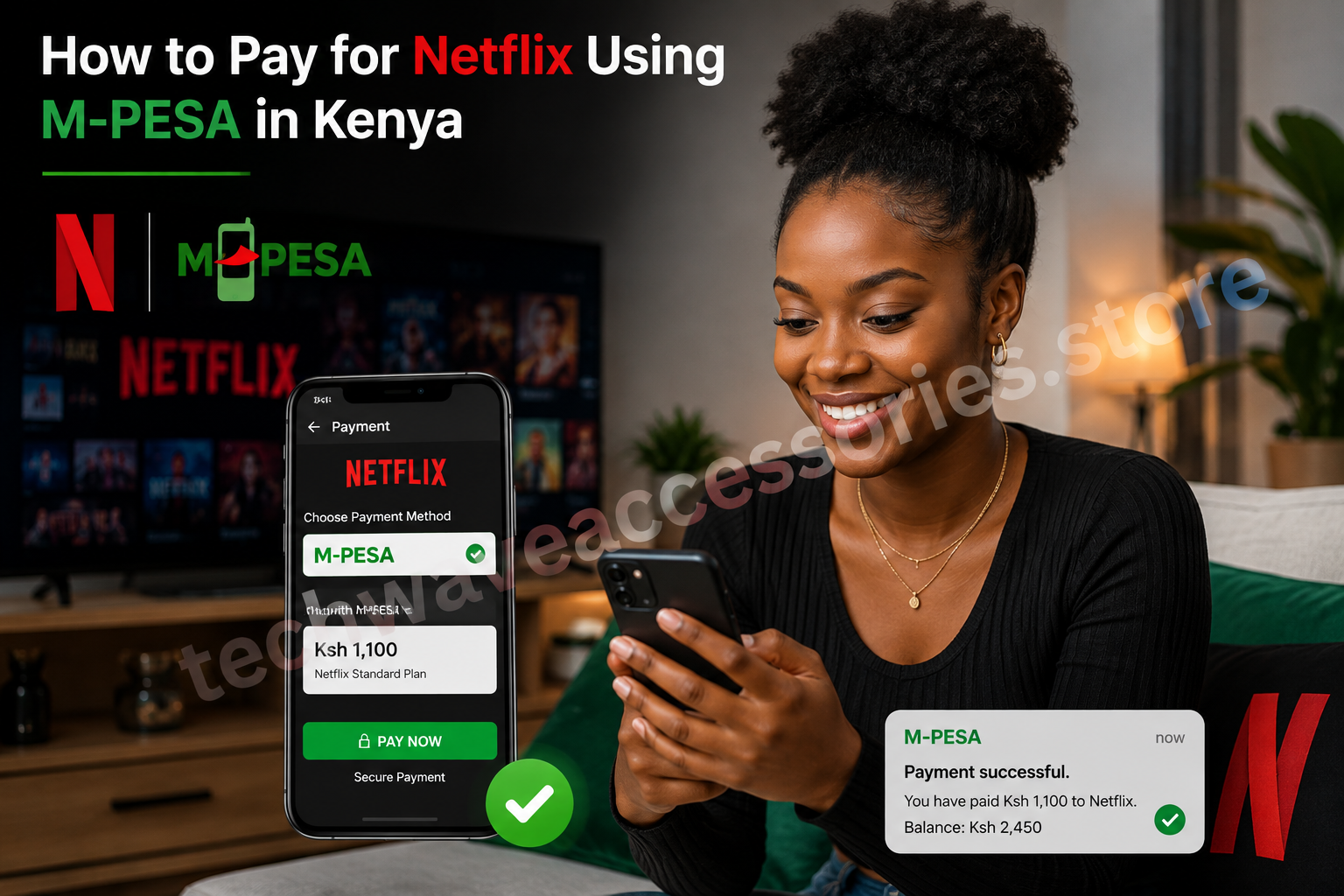
If you're wondering how to pay for Netflix using M-PESA in Kenya, you can use M-PESA-enabled payment options to pay for your Netflix subscription without needing a traditional bank card.
Netflix payments can be especially convenient for Kenyan users who prefer using M-PESA for their everyday online payments.
The process generally involves using an M-PESA-enabled payment card or supported payment method rather than sending money directly to Netflix through a PayBill or Till number.
Prefer watching instead of reading?
We've also included a step-by-step video tutorial showing how to set up and complete your Netflix payment using M-PESA.
This can be particularly helpful if you're setting up Netflix payments for the first time.
Netflix does not work like a normal M-PESA PayBill payment where you simply enter a business number and account number.
Instead, Kenyan users can use supported payment methods that allow them to fund the payment using their M-PESA balance.
The exact payment options available can change, so always check the payment methods displayed in your Netflix account.
Before starting, make sure you have:
If your Netflix subscription payment doesn't go through, don't immediately assume your Netflix account is the problem.
Check the following:
1. Check your M-PESA balance
Make sure there is enough money to cover the subscription payment.
2. Check your payment details
Confirm that the card or payment information entered on Netflix is correct.
3. Check your payment method
Make sure the payment method you're using is still active and supported.
4. Try again later
Temporary payment or network issues can sometimes prevent a transaction from going through.
5. Check your Netflix account
Netflix will normally notify you if there is a problem with your subscription payment.
To keep your Netflix subscription active:
Check your payment method before the billing date.
Keep your M-PESA account active.
Don't share your Netflix password or M-PESA PIN.
Avoid using unofficial websites claiming to process Netflix payments.
Check Netflix notifications for payment updates.
Using an official Netflix payment method and a legitimate M-PESA-enabled payment option can be convenient for Kenyan users.
However, never give your M-PESA PIN to another person to complete a Netflix payment.
Be particularly careful with websites or social-media accounts promising extremely cheap Netflix subscriptions in exchange for sending money directly to a personal M-PESA number.
Yes, Kenyan users can use supported payment methods that allow Netflix subscriptions to be funded through M-PESA.
Netflix payments don't work like ordinary M-PESA PayBill payments. Use the payment methods supported by Netflix rather than sending money to an unofficial PayBill or number.
This depends on the supported payment method you're using. An M-PESA-enabled card or other supported payment option can allow you to use funds from M-PESA for online payments.
Check your available M-PESA funds, payment details and payment method. Netflix may also notify you if your subscription requires a payment update.
Yes, if your selected payment method supports recurring Netflix subscription payments and remains active with sufficient funds.
2 people joined the conversation
Love this post!
I really didn't know I could pay for Netflix Using mpesa!! Thanks for the insight 👍
Share your thoughts with the community.
Dont Miss Out On the Latest Trending Deals
No fake products with money back guarantee
Instant returns on unsatisfactory products upon delivery
Same day delivery promise within Nairobi,
Mombasa, Nakuru, Kisumu
Selected pickup points for convenience
Pay with debit card, M-PESA or credit card
Compare products for easy purchase
Get digital assistance in your purchase